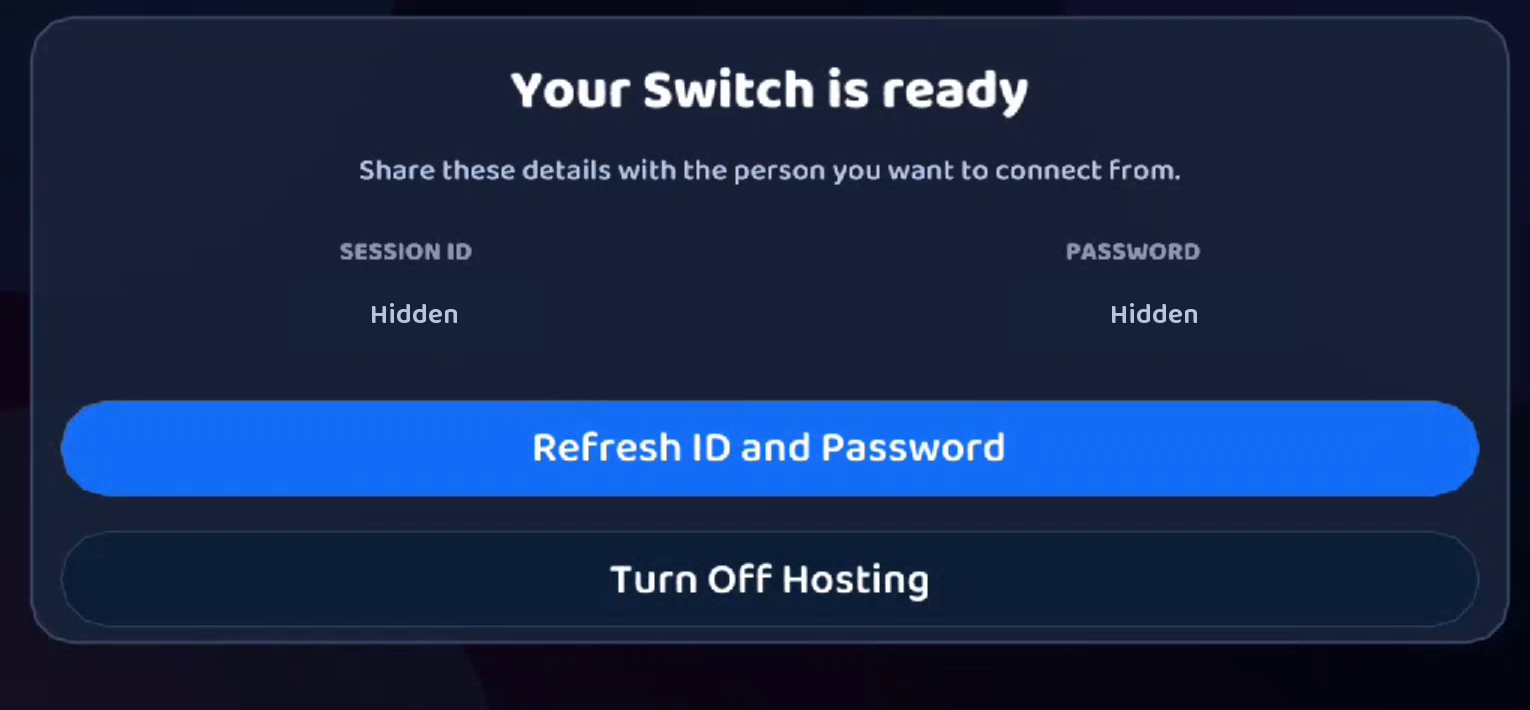
Share your Switch
Choose Host This Switch, then share the Session ID and Password privately with your receiver. Another homebrew-enabled Switch can also join as a receiver.
 NX Remote Play
Play your homebrew-enabled Switch on Android, Windows, another Switch, or a web browser. Stream the console’s screen and sound, and control it from a receiving device.
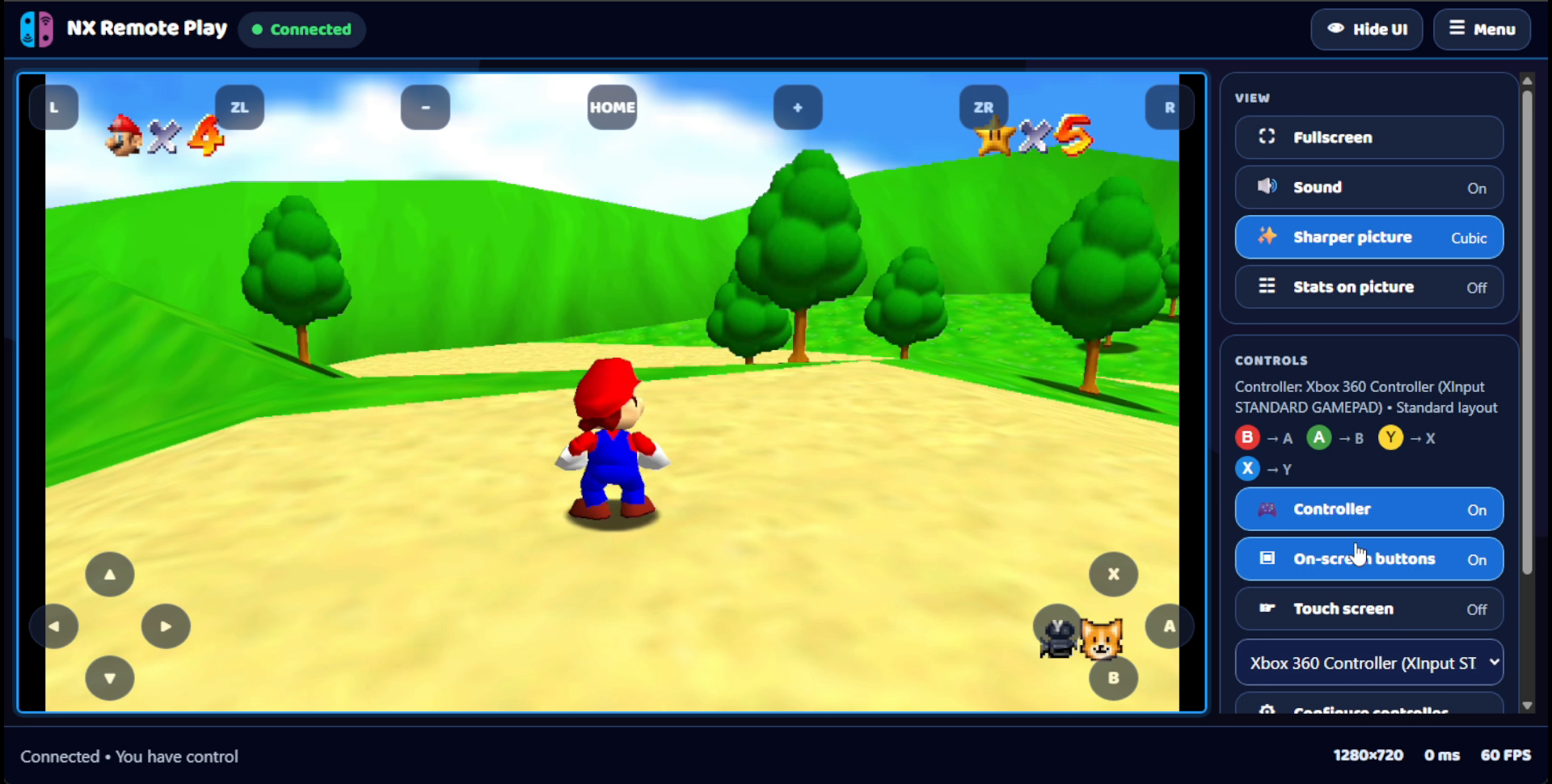
Choose Host This Switch, then share the Session ID and Password privately with your receiver. Another homebrew-enabled Switch can also join as a receiver.
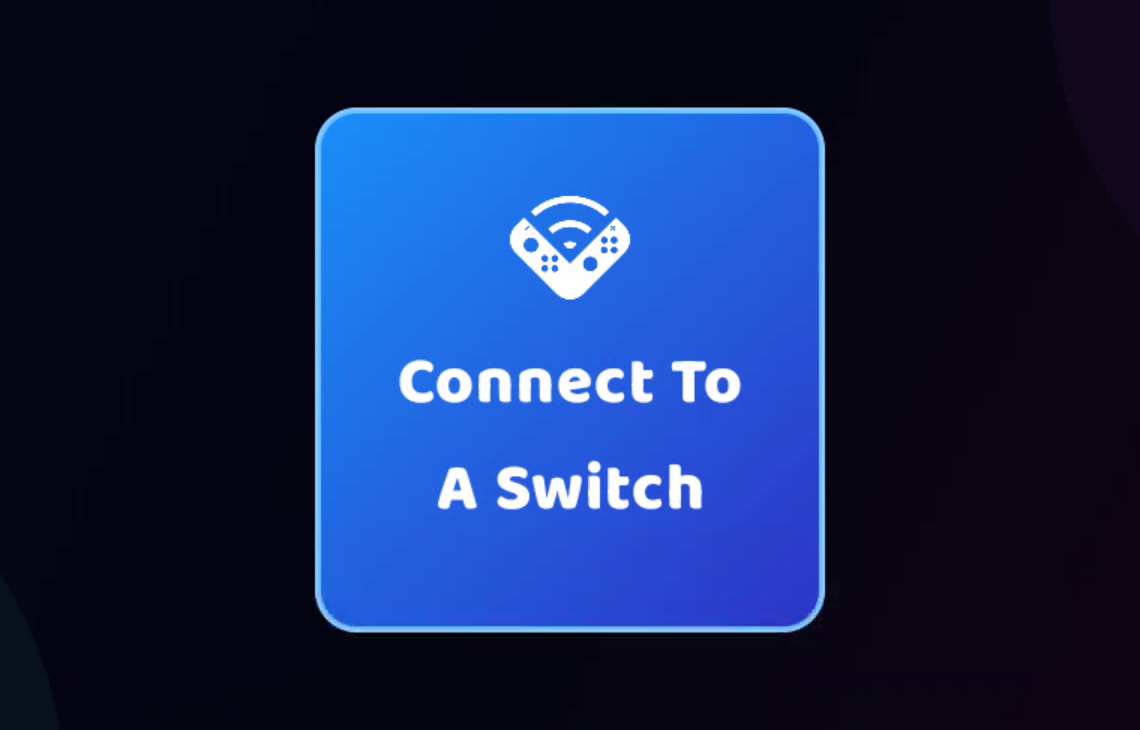
Connect with the host’s Session ID and Password. Use touch controls or a controller, and adjust picture, sound and your touch layout in the app.
Connect by USB or join a host with its Session ID and Password. The desktop app also includes screenshots, recordings and a virtual camera option.
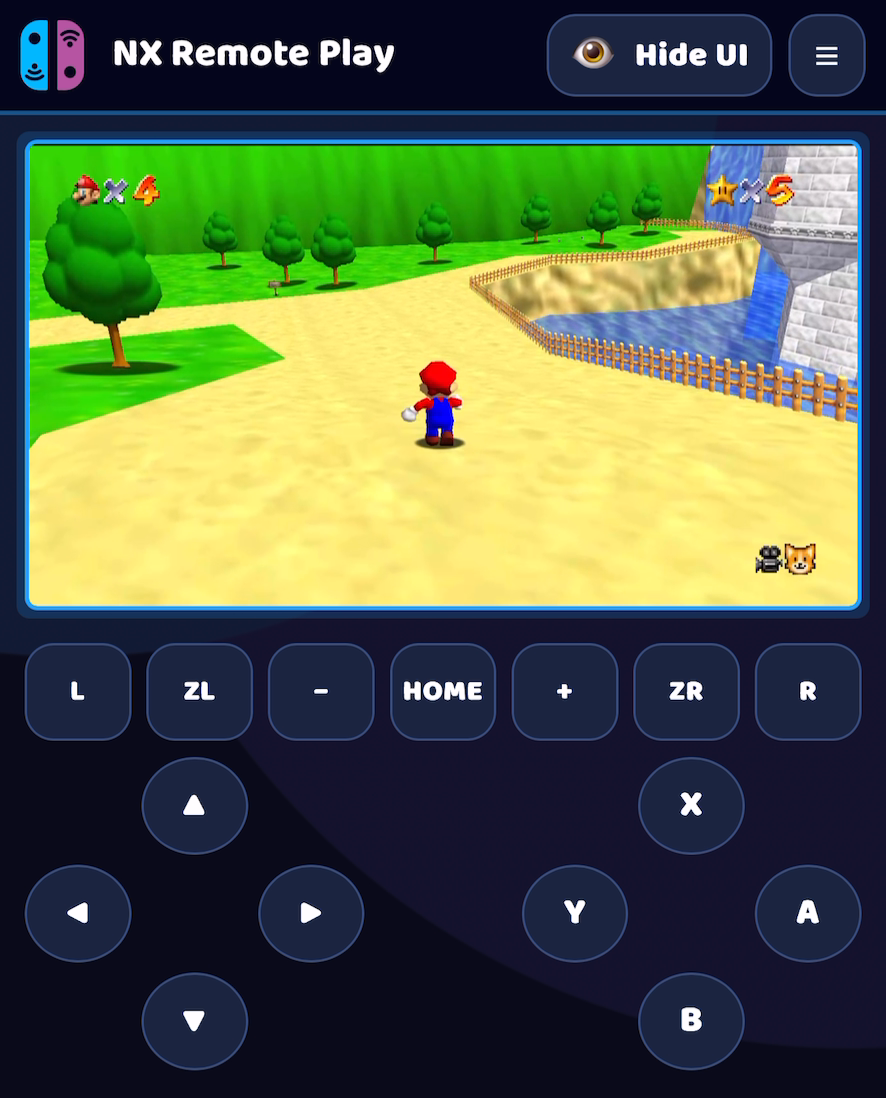
Open a shared player link on a computer, tablet, iPhone or iPad. The host needs a Switch connected by USB to a Windows PC running browser sharing. Outside-network sharing needs additional reachability setup.